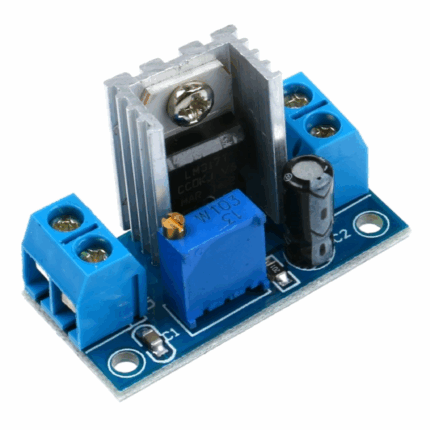
LM2596S DC Buck Module With Digital Display

$2.791 pcs

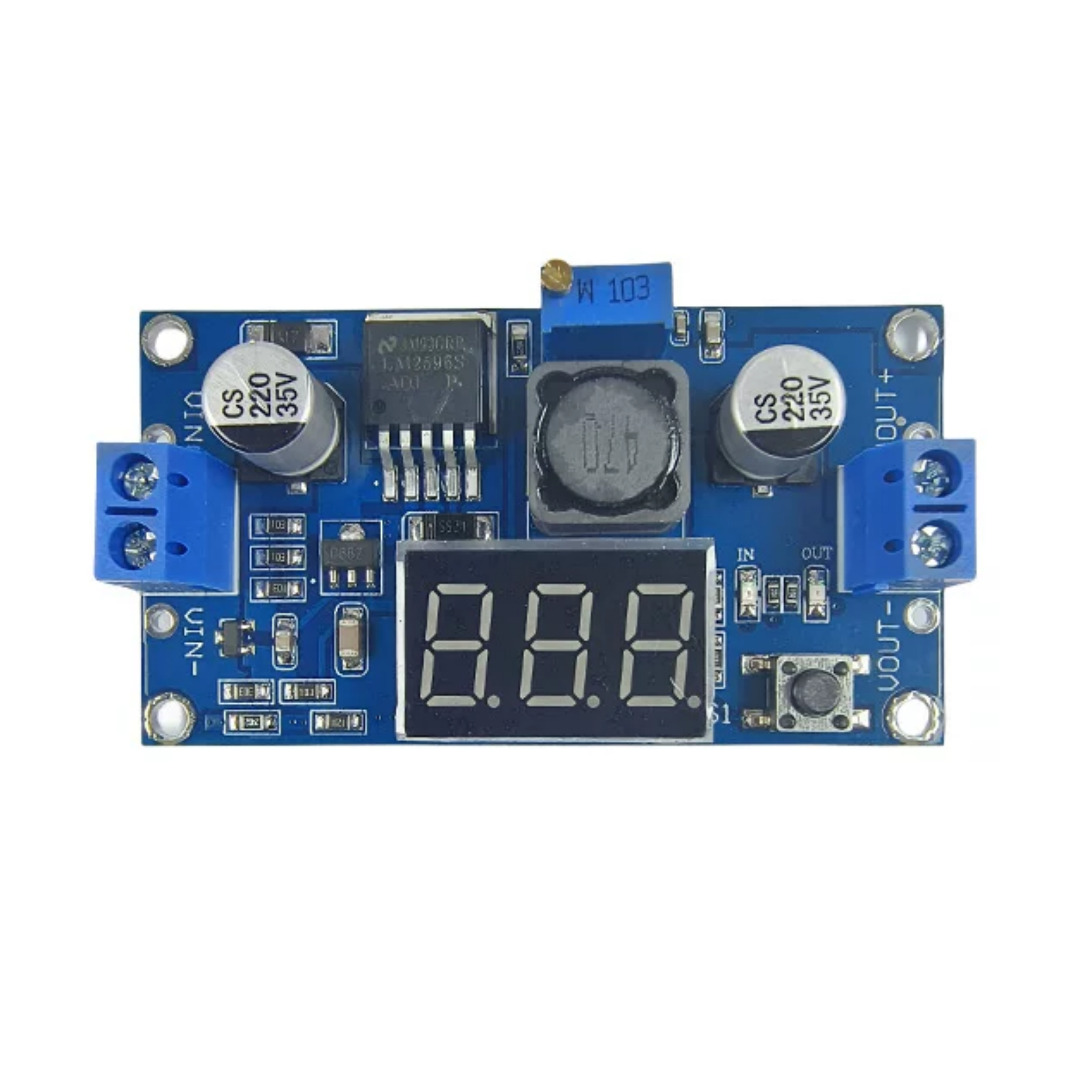
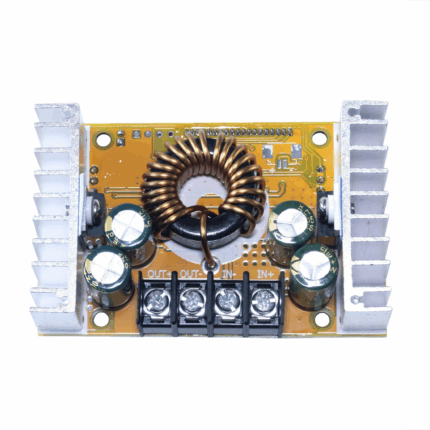
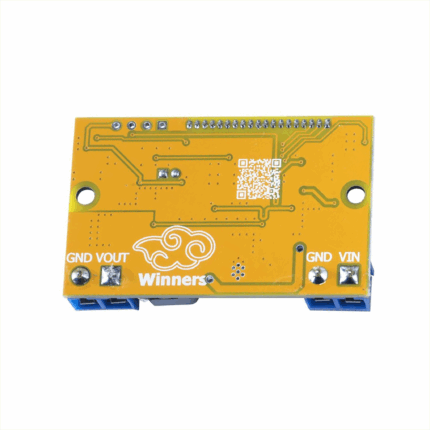
The LM2596S DC-DC adjustable step-down module with digital voltmeter display and the LM2596S regulated power supply module.

Dimensions 61 × 34 × 12 mm
Brand

easyelecmodule

1239 in stock

DESCRPIPTION AND FEATURES

Introduction

The LM2596 series is an integrated chip that packs all the core functions of a step-down switching regulator into one unit. It can reliably power loads up to 3A, and keeps its output stable even if the input voltage fluctuates or the load changes. This series comes in fixed-output versions (like 3.3V, 5V, 12V) as well as an adjustable-output model.
 
It’s super easy to use—you only need to hook up a small number of external components. The chip already has built-in frequency compensation and a fixed-frequency oscillator, so you don’t have to mess with those parts separately.
 
It runs at a switching frequency of 150kHz, which is higher than lower-frequency switching regulators. That means you can use smaller-sized filter components (like capacitors and inductors) with it. For packaging, it’s available in the common 5-pin TO-220 through-hole package (with different lead-bend options) and a 5-pin TO-263 surface-mount package.

Product Features

  • Uses an advanced voltage microprocessor: The voltmeter has an error of ±0.05V and a range of 0–40V. (To ensure voltmeter accuracy, keep the input voltage above 4.5V.)
  • Tap the button to switch between measuring input or output voltage—an indicator light shows which voltage you’re measuring. Your setting is saved even if the power is turned off and back on.
  • The voltmeter can be turned off: Tap and hold the right-side button for 1–3s when you don’t need the display.
  • Comes with terminal blocks: You can use it easily without a soldering iron, and solder points are still available for permanent wiring.

Key Hardware Parameters of LM2596S

SpecificationDetails
Input Voltage4.0–40V (Input voltage must be at least 1.5V higher than output voltage)
Adjustable Output Voltage Range2.3V–37V (continuously adjustable; input voltage must be at least 1.5V higher than output voltage)
Output Current3A (recommended to use within 2.0A; add heat dissipation for large currents)
Output Power20W (add heat dissipation when exceeding 15W)
Conversion EfficiencyHigh (average 88%; related to input/output voltage, current, and voltage difference)
Reverse Connection ProtectionWith reverse connection protection (no damage when reversed)
Protection FunctionsOverheat protection and short-circuit protection
Dimensions (L×W×H)61×34×12mm
Weight22g

LM2596S Datasheet

If you want to learn more LM2596S dc adjustable buck converter, you can refer to this datasheet.

Usage Instructions

  1. Tap the button to switch between measuring input or output voltage—an indicator light shows which one you’re checking. When you first turn it on, the digital display defaults to showing the input voltage (and the “IN” indicator light turns on). Tap the button, and the display switches to the output voltage (with the “OUT” indicator light turning on). Your last setting is saved even if the power is turned off and back on.
  2. You can turn off the voltmeter: Press and hold the button for 1–4s, then release it to turn the display off. To turn the voltmeter back on, just press the button briefly.

Application Scope

This module works for step-down (voltage reduction) scenarios where the input voltage is higher than the output voltage. Examples include:
 
  • Batteries
  • Power transformers
  • DIY adjustable regulated power supplies
  • 24V car-mounted laptop power supplies
  • Industrial equipment voltage reduction
  • Specific voltage conversions (like 12V to 3.3V, 12V to 5V, 24V to 5V, 24V to 12V, 36V to 24V, etc.)

On-Board Voltmeter Self-Calibration Method

  1. When the on-board voltmeter shows the output voltage: Press and hold the right button for 2 seconds, then release it. The voltmeter and the “OUT” (output voltage) indicator will flash together—this means you’re in output voltage adjustment mode.
     
    Similarly, when the voltmeter shows the input voltage: Press and hold the right button for 2 seconds, then release it. The voltmeter and the “IN” (input voltage) indicator will flash together—this means you’re in input voltage adjustment mode.
  2. Tap the right button to increase the voltage by one unit; tap the left button to decrease it by one unit. Each unit is less than 0.1V, so you’ll need to press the button 1–5 times in a row to see a 0.1V change. The exact number of presses depends on the current displayed voltage: the higher the voltage, the fewer presses you’ll need.
  3. When you’re done adjusting the voltage: Press and hold the right button for 2 seconds, then release it. This exits the calibration mode, and all your settings will be saved automatically (even if the power is turned off).

Note: You only need to calibrate once—this will ensure accurate voltage readings across the entire range. This feature is designed to meet higher precision needs, so feel free to use it!

Reviews (0)

Reviews

There are no reviews yet.

Be the first to review “LM2596S DC Buck Module With Digital Display”

Your email address will not be published. Required fields are marked *

Shipping and Delivery

Shipping Cost

We only ship to the United States. Shipping costs are calculated based on the total order amount.

Shipping Method And Delivery Time

All orders will be processed and shipped within 72 hours of placing the order (excluding weekends and holidays). They will ship from Shenzhen, China, primarily via 4PX logistics. Depending on the destination and logistics conditions, other carriers such as DHL, FedEx, UPS, USPS, etc., may also handle the delivery. Estimated shipping time is 7-12 business days, with actual delivery occurring in 10-17 business days, depending on logistics conditions.

Payment:

We accept Visa, Master card, Maestro, American Express, JCB, Dinner's Club, Discover, Paypal, Apple Pay, Google Pay .