blog

Arduino-based portable Air Quality monitor with OLED display

Arduino-based portable Air Quality monitor with OLED display

      In recent years, with the development of industry, the amount of greenhouse gases emitted into the atmosphere has been increasing continuously, and the concentration of carbon dioxide in the Earth's atmosphere has also been rising. Carbon dioxide is an important greenhouse gas. Today, we will introduce to you how to use the MQ135 air quality sensor to detect the concentration of carbon dioxide in the air.

What is MQ135 air quality sensor? what does mq135 sensor detect?

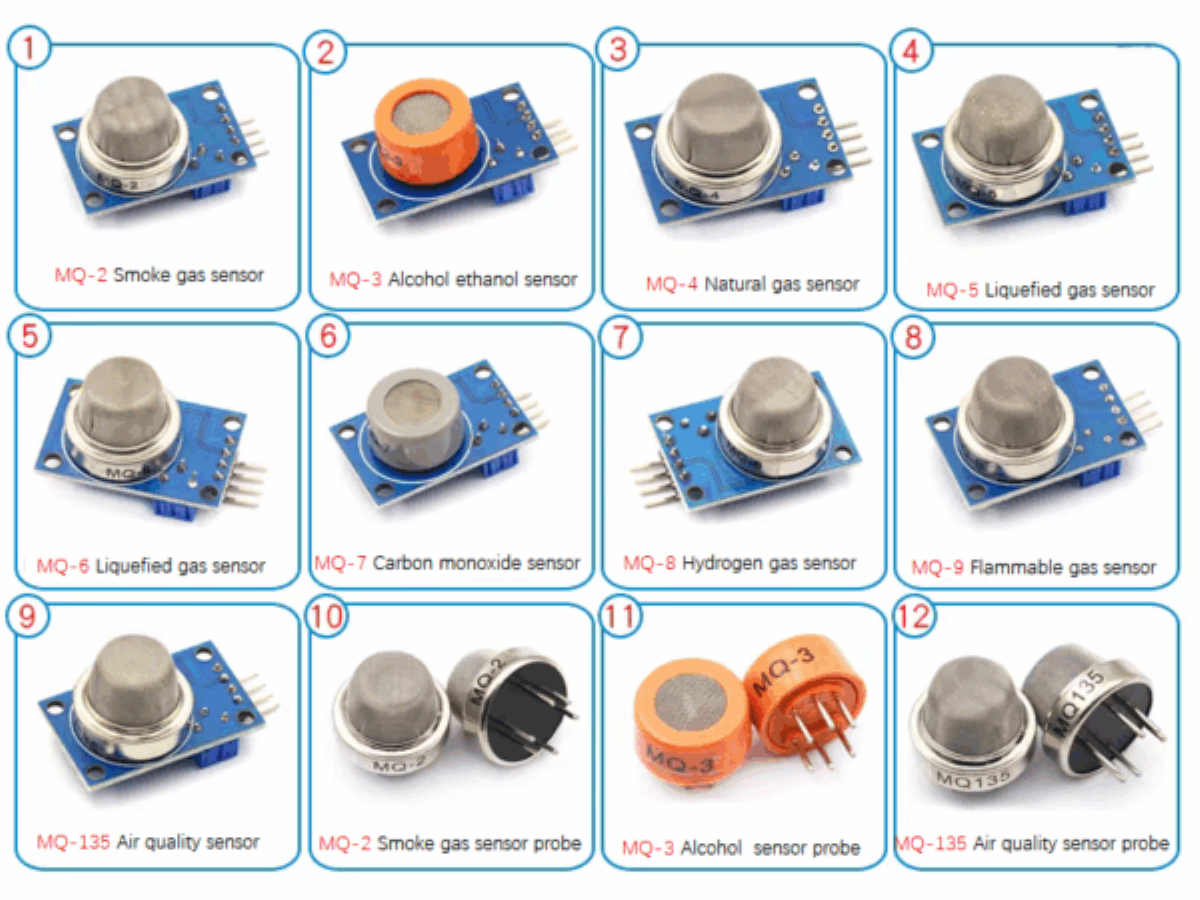
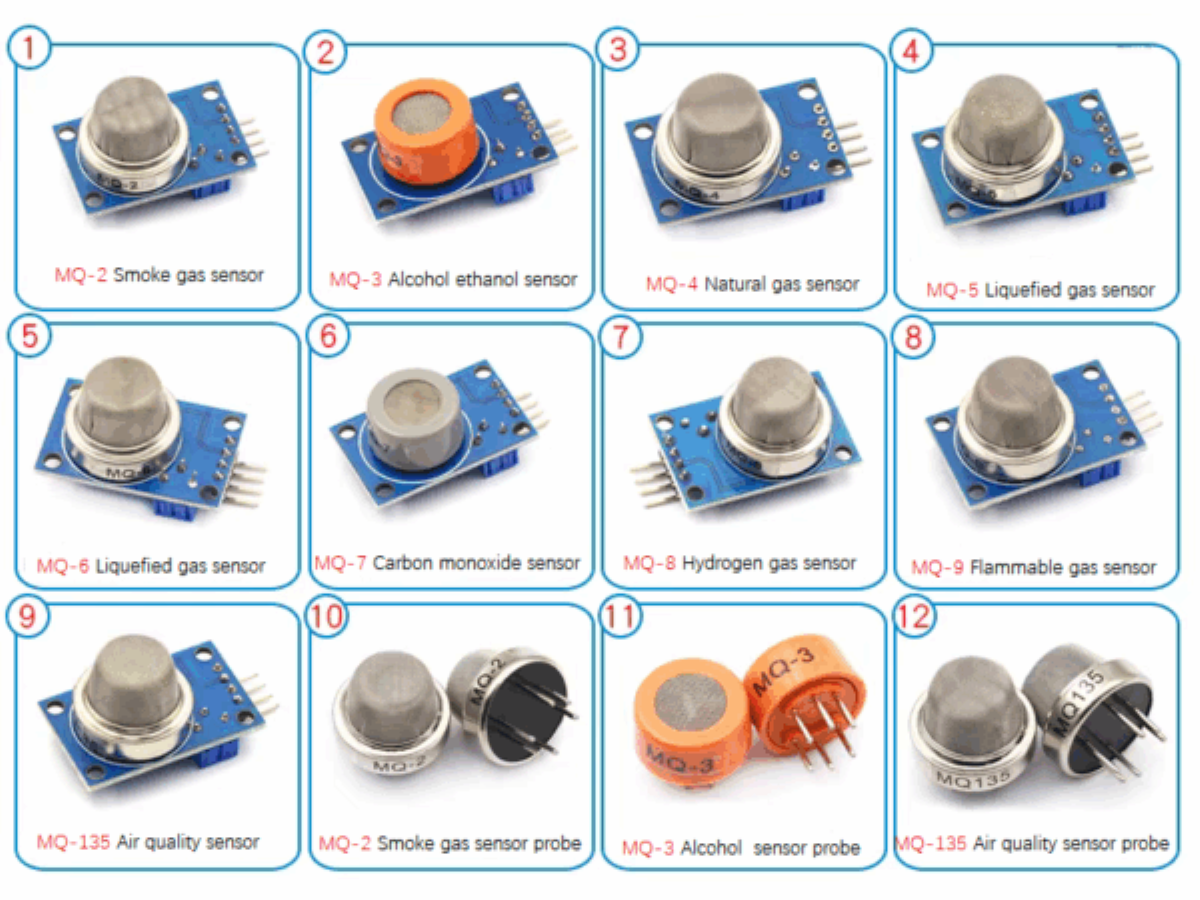
The MQ-135 air quality sensor belongs to the MQ series of gas sensors and is widely used for detecting harmful gases, smoke in fresh air, etc. It can detect or measure harmful gases such as ammonia, benzene, sulfur, carbon dioxide, smoke, etc.

How does the MQ135 sensor work? What is its working principle?

The MQ gas sensor uses a gas-sensitive material with a relatively low electrical conductivity in clean air - tin dioxide. When certain gases such as carbon dioxide and ammonia enter the sensor, these gases will react chemically with the sensitive material on the surface of the gas sensor, causing a change in the sensor's resistance. By designing a simple circuit to measure the magnitude of the resistance change, the concentration of the pollutant gas can be inferred.

MQ-135 schematic diagram

MQ 135 schematic diagram

Specifications of MQ135.

ParameterValue / Specification
Operating voltage2.5V to 5V
Power consumption150mA
Typical operating Voltage5V
Digital Output0V to 5V (TTL Logic) @ 5V Vcc
Analog Output0-5V @ 5V Vcc

Use the serial port monitor to display the measured data of MQ-135 in real time.

Circuit diagram

mq135——seriol

Connection Table

MQ-135Arduino
VCC5V
GNDGND
AOAO
DONo connection

Code

				
					#include <LiquidCrystal.h>
int sensorValue;
const int rs = 12, en  = 11, d4 = 5, d5 = 4, d6 = 3, d7 = 2;
LiquidCrystal lcd(rs, en, d4, d5, d6, d7);
void  setup(){  lcd.begin(16, 2);
Serial.begin(9600);                            //  sets the serial port to 9600
 }
void loop(){sensorValue = analogRead(0);       //  read analog input pin 0
Serial.print("Air Quality=");
Serial.print(sensorValue,  DEC);               // prints the value read
Serial.println(" PPM");
lcd.setCursor(0,0);
lcd.print("ArQ=");
lcd.print(sensorValue,DEC);
lcd.print("  PPM");
lcd.println("       "); 
lcd.print("  ");
delay(100);                                   //  wait 100ms for next reading
}


Effect demonstration

serial

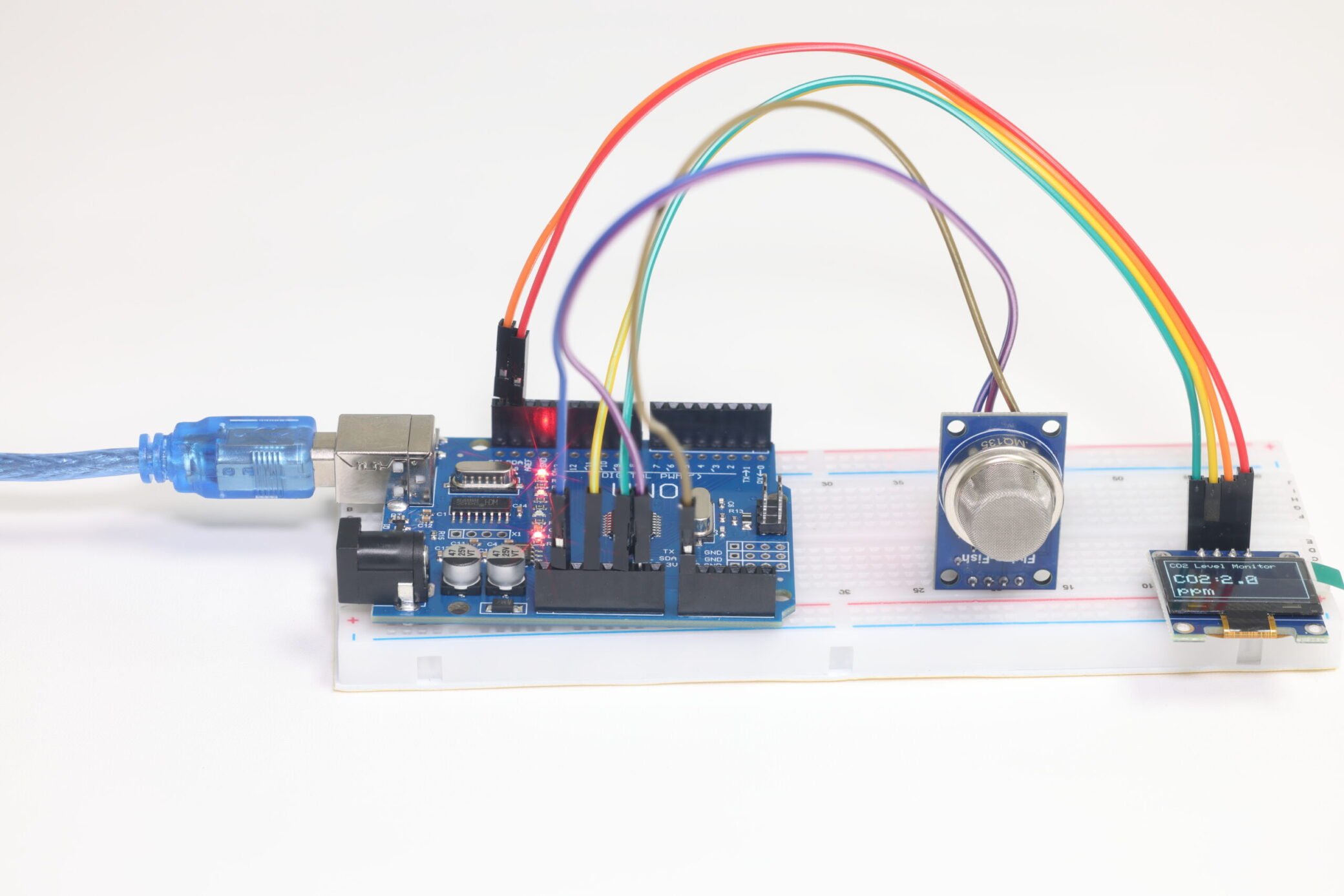
Use OLED to display the real-time concentration of carbon dioxide in the air

Circuit diagram

OLED 连线图

Connection Table

ArduinoOLED
3.3VVCC
GNDGND
SCLSCL
SDASDA

Code

				
					#include "MQ135.h"
#include <Wire.h>
#include <Adafruit_GFX.h>
#include <Adafruit_SSD1306.h>

// The load resistance on the board
#define RLOAD 22.0

// OLED display width and height, in pixels
#define SCREEN_WIDTH 128
#define SCREEN_HEIGHT 64

// Declaration for SSD1306 display connected using I2C (SDA, SCL)
#define OLED_RESET    -1 // Reset pin # (or -1 if sharing Arduino reset pin)
Adafruit_SSD1306 display(SCREEN_WIDTH, SCREEN_HEIGHT, &Wire, OLED_RESET);

MQ135 gasSensor = MQ135(A0);
int sensorPin = A0;

void setup() {
  Serial.begin(9600);
  pinMode(sensorPin, INPUT);

  // SSD1306 allocation
  if (!display.begin(SSD1306_SWITCHCAPVCC, 0x3C)) { // Address 0x3C for 128x64
    Serial.println(F("SSD1306 allocation failed"));
    for (;;); // Don't proceed, loop forever
  }
  display.clearDisplay();
  display.display();
}

void loop() {
  int val = analogRead(A0);
  Serial.print("raw = ");
  Serial.println(val);

  float ppm = gasSensor.getPPM();
  Serial.print("ppm: ");
  Serial.println(ppm);

  // Update display
  display.clearDisplay();
  
  // Draw a border
  display.drawRect(0, 0, SCREEN_WIDTH, SCREEN_HEIGHT, WHITE);
  
  // Display title
  display.setTextSize(1);
  display.setTextColor(WHITE);
  display.setCursor(5, 5);
  display.println("CO2 Level Monitor");
  
  // Display CO2 label
  display.setTextSize(2);
  display.setTextColor(WHITE);
  display.setCursor(5, 25);
  display.println("CO2:");

  // Display PPM value
  display.setTextSize(2);
  display.setTextColor(WHITE);
  display.setCursor(50, 25); // Adjusted cursor position
  display.print(ppm, 1); // Display one decimal place

  // Display units
  display.setTextSize(2);
  display.setTextColor(WHITE);
  display.setCursor(5, 45);
  display.println("(ppm)");
  
  display.display();

  // Check if ppm exceeds 650 and flash warning
  if (ppm > 3) {
    for (int i = 0; i < 3; i++) { // Flash 3 times
      display.clearDisplay();
      display.drawRect(0, 0, SCREEN_WIDTH, SCREEN_HEIGHT, WHITE);
      display.setTextSize(1);
      display.setTextColor(WHITE);
      display.setCursor(10, 25);
      display.println("CO2 HIGH!");
      
      // Adjusted cursor position for the "Open Window!" message
      display.setCursor(10, 40); 
      display.println("Open Window!");
      
      // Show PPM value even during warning
      display.setTextSize(2);
      display.setTextColor(WHITE);
      display.setCursor(30, 5); // Adjusted cursor position
      display.print(ppm, 1); // Display one decimal place

      display.display();
      delay(500);
      
      display.clearDisplay();
      display.display();
      delay(500);
    }
  }

  delay(2000);
}



Effect demonstration

Arduino-based portable Air Quality monitor with OLED display

Demonstration video

Relevant materials

FAQ

Is MQ-135 sensor analog or digital?

MQ135 can provide both digital output and analog output.

Is it normal that the gas sensor becomes hot in the course of operating?

 Don't worry, it is normal. Because the sensitivity material in the sensor should be heated for operating.

Leave a Reply

Your email address will not be published. Required fields are marked *