

Blog
SHT30 Temperature and Humidity Sensor——the “King of Precision” for Smart Homes and DIY Projects
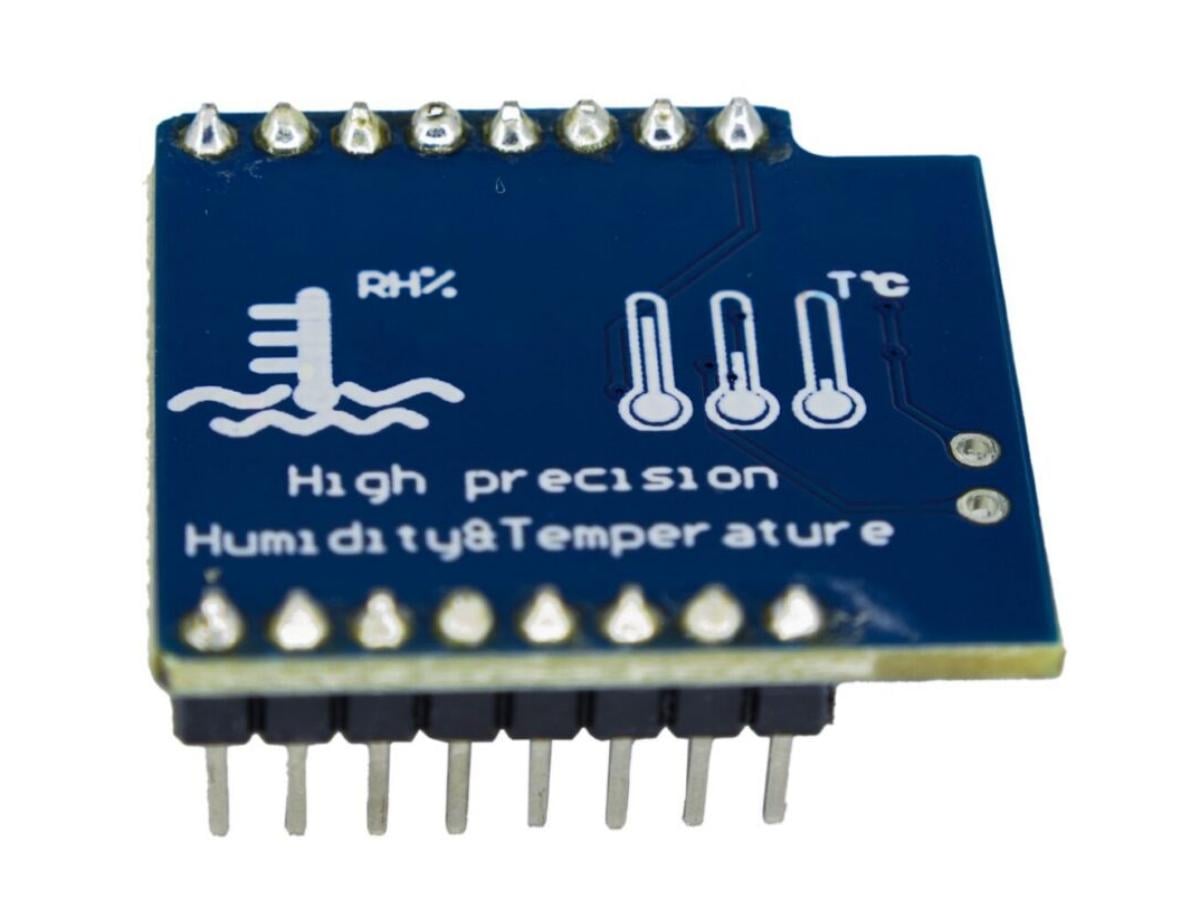
If you’re into smart home setups, agricultural monitoring, or obsessed with Arduino/Raspberry Pi DIY projects, you must be familiar with “temperature and humidity sensors”. But choosing the right sensor can take your project from “functional” to “excellent” — today we’re talking about the Sensirion SHT30, a device that will redefine your understanding of “precision monitoring”.

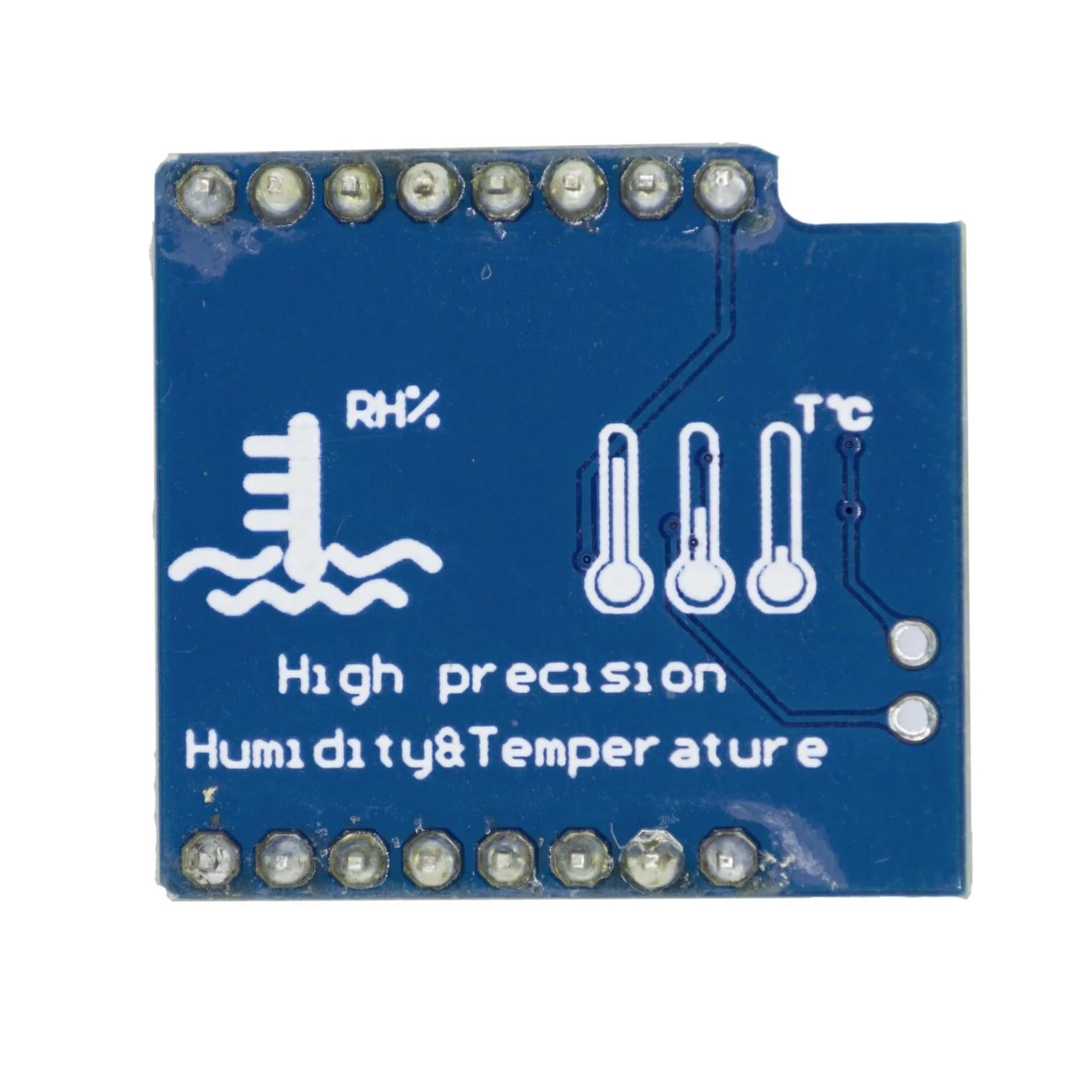
What Makes the SHT30 Stand Out?
As a representative of Sensirion’s new generation CMOSens® technology, the SHT30 was born with “straight-A student” genes. If you check its datasheet, you’ll find these highlights that make it stand out among similar products:
1、Ultra High Precision, Reliable Data
The typical accuracy of humidity measurement is ±3% RH (range 0-100% RH), and the temperature error is only ±0.3°C in the -40°C to 125°C range. Compared with traditional sensors, this precision meets the needs of environment-sensitive scenarios like laboratories and greenhouses.
2、Digital Output, Maximum Anti-Interference
It uses an I2C interface with a maximum communication speed of 1MHz and supports two optional addresses (0x44/0x45), making it easy to set up multi-sensor networks. The direct digital signal output eliminates the need for analog-to-digital conversion, and its anti-interference ability in complex circuits is far superior to analog sensors.
3、Wide Voltage Range + Low Power Consumption, Strong Adaptability
The operating voltage is 2.4V-5.5V, so it can be directly powered by both 3.3V Raspberry Pi and 5V Arduino. The idle current is as low as 0.2μA, and only 600-1500μA during measurement, allowing battery-powered portable devices to last for months.
4、Ultra-Small Size, Easy to Install
With a package size of only 1.2×1.2mm² and a height of 0.9mm, it can easily fit into compact PCBs or mini devices without taking up space.
The specific parameter table is as follows:
| Parameter | Details |
|---|---|
| Humidity Measurement Range | 0~100%RH |
| Humidity Measurement Accuracy | SHT30: ±3%RH; SHT31: ±2%RH; SHT35: ±1.5%RH |
| Temperature Measurement Range | -40~125°C |
| Temperature Measurement Accuracy | SHT30/31: ±0.3°C; SHT35: ±0.2°C |
| Operating Voltage | 2.4V~5.5VDC (wide voltage range) |
| Interface Output | I2C |
| PCB Size | 12mm×12mm (SHT30 D1 MINI: 28mm×26mm) |
Application Scenarios: Everywhere from Smart Homes to Farmland
The SHT30 Temperature and Humidity Sensor, when combined with tools like Arduino, Raspberry Pi, and ESPHome, offers endless possibilities:
- Smart Homes:Pair the SHT30 with ESP8266/ESP32and connect to Home Assistant via ESPHome to monitor temperature and humidity in living rooms and bedrooms in real time. When humidity exceeds 70%, it automatically triggers dehumidifiers; when temperature drops below 18°C, it links with heaters to keep the whole house environment “fully automated”.
- Agricultural Monitoring:Combine the SHT30 with Raspberry Pi and place it near potted plants or greenhouse soil to check data remotely. Worried about succulents getting waterlogged? It sends alerts when humidity exceeds 60%; need constant temperature for rice seedling raising? It alarms automatically if the temperature fluctuates by more than ±1°C, which is 10 times more reliable than manual inspections.
- DIY Electronic Projects:Connect the SHT30 to Arduino and add an OLED screen to make a portable temperature and humidity recorder. Hang it in a tent during outdoor camping or put it in a refrigerator to monitor freshness — cost less than 20 yuan, but with precision comparable to thousand-yuan devices.
- Laboratories/Warehousing:Pharmaceutical warehouses and chemical laboratories are sensitive to temperature and humidity. The SHT30’s long-term stability (annual drift < 0.3% RH) ensures reliable data. Combined with relay modules, it can automatically trigger air conditioners or dehumidifiers to avoid environmental deviations.
Comparative Review: SHT30 vs SHT31 vs DHT11 — Which to Choose?
| Parameter | SHT30 | SHT31 | DHT11 |
|---|---|---|---|
| Humidity Measurement Range | 10 – 90%RH | 0 – 100%RH | 20 – 95%RH, 0 – 50°C |
| Humidity Measurement Accuracy | ±3%RH | ±2%RH | ±5%RH at 25°C |
| Temperature Measurement Range | -40 – 125°C | -40 – 125°C | 0 – 50°C |
| Temperature Measurement Accuracy | ±0.3°C | ±0.3°C | ±1°C |
| Operating Voltage | 2.4 – 5.5V DC | 2.4 – 5.5V DC | 3.3 – 5.5V DC |
| Interface Output | I2C | I2C | Serial single-bus |
| Sensitivity | Good | Excellent | Moderate |
Quick Start Guide: Master the SHT30 in 3 Minutes (with Code Examples)
- Connecting SHT30 to Arduino
- Wiring: VCC to 3.3V/5V, GND to GND, SDA to A4, SCL to A5.
- Library: Install the Adafruit_SHT31 libraryvia the Arduino IDE Library Manager.
Code:
					#include <Adafruit_SHT31.h>
Adafruit_SHT31 sht30 = Adafruit_SHT31();

void setup() {
  Serial.begin(9600);
  sht30.begin(0x44); // 默认地址0x44
}

void loop() {
  float temp = sht30.readTemperature();
  float humi = sht30.readHumidity();
  Serial.print("温度:"); Serial.print(temp); Serial.println("°C");
  Serial.print("湿度:"); Serial.print(humi); Serial.println("%RH");
  delay(1000);
}
2.Connecting SHT30 to Raspberry Pi
- Install the library: pip install sht30
Code:
					from sht30 import SHT30
sht = SHT30(addr=0x44)

while True:
  temp, humi = sht.read_temp_humi()
  print(f"温度:{temp:.2f}°C,湿度:{humi:.2f}%RH")
  time.sleep(1)
FAQS
What library do I need to use SHT30 with Arduino?
The Adafruit_SHT31 library. Search for and install it via the Arduino IDE Library Manager. After installation, include the library in your code (#include <Adafruit_SHT31.h>) to use its functions for reading temperature and humidity data from the SHT30.
Do I need a USB-to-TTL interface?
No, just install the driver and connect with a data cable to upload programs.
Can I use a 5V power supply for a long time?
Yes, but 3.3V is more recommended.
Is there a limit to the data reading frequency of the SHT30?
Theoretically, the SHT30 can respond and output data quickly, but to ensure measurement accuracy and stability, reading 1-10 times per second is appropriate.