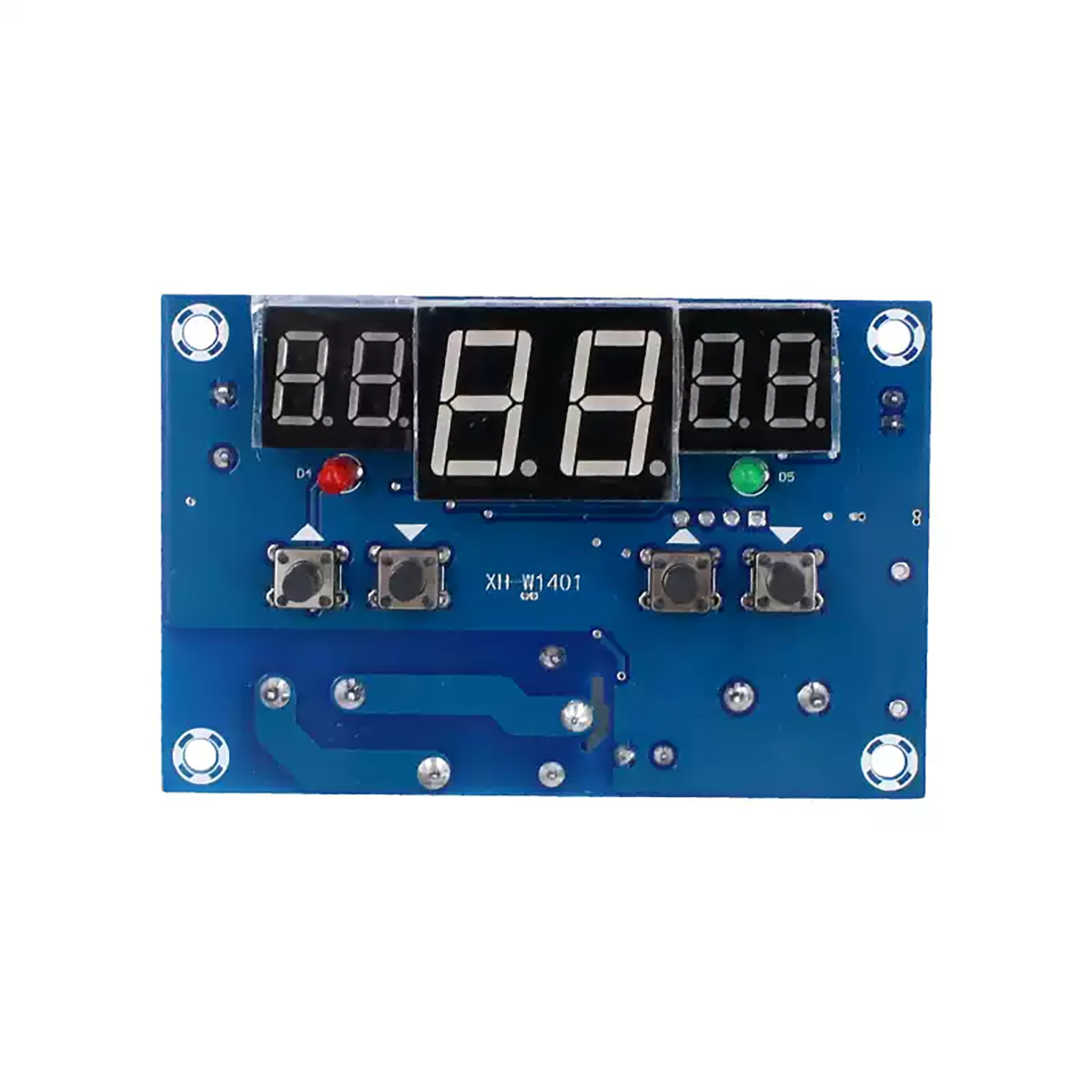
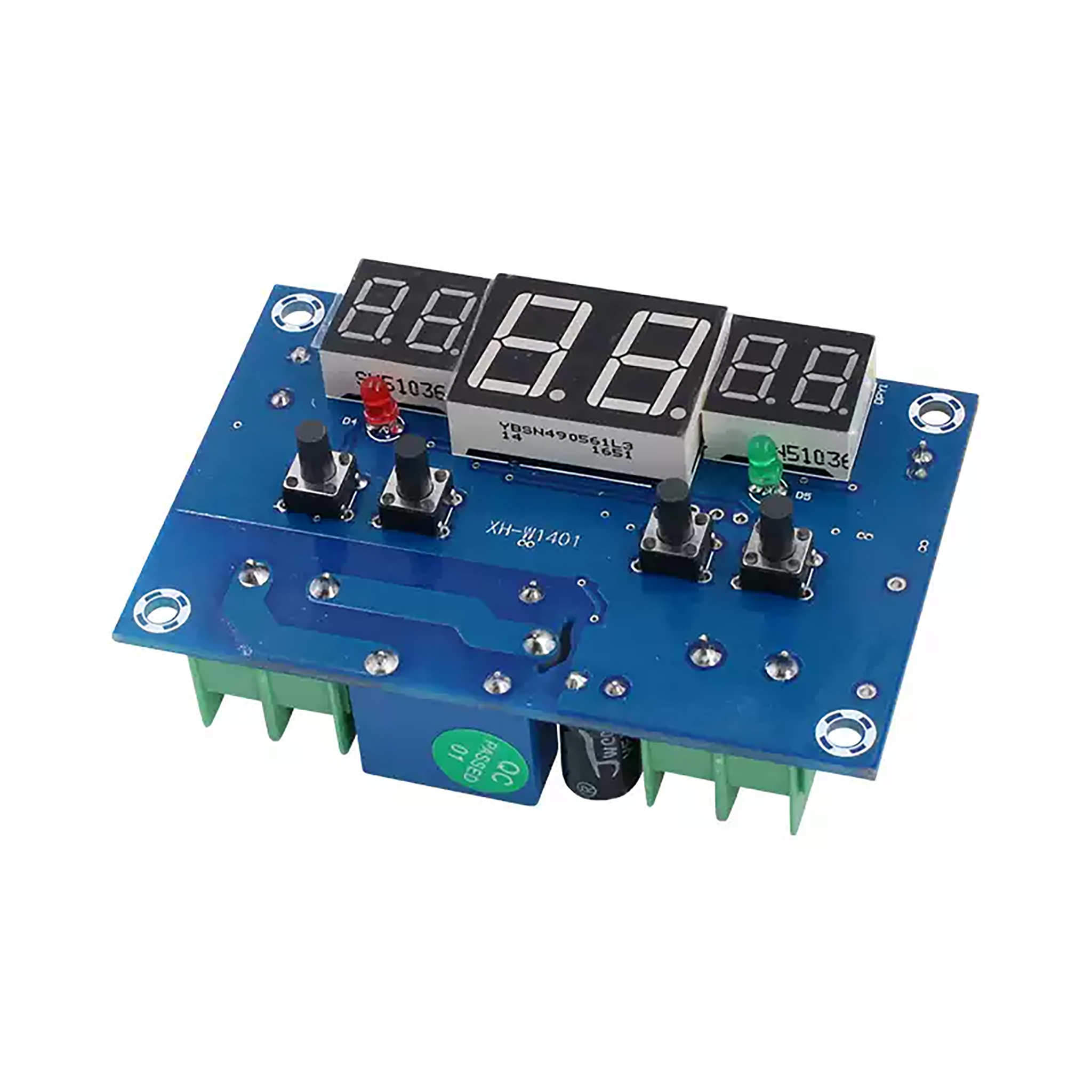
Digital Display Temperature Control Module
$4.501pcs
The digital display temperature control system is a module integrating a sensor and a control system. Widely used in industrialization, smart home and other scenarios.
| Dimensions | 78 × 50 mm |
|---|---|
| Brand |
easyelecmodule |
3115 in stock
Product Introduction
- Adopts a high-speed microcontroller for intelligent control.
- Three windows (Start-Real time-Stop) display and output status indicators for easy control.
- Automatically switches between heating and cooling modes based on the set temperature.
- Wide setting range: -9°C ~ 99°C, adjustable as needed.
- Suitable for various scenarios such as space temperature control, water temperature control, and incubator temperature management.
Product Parameter
| Parameter | Specification |
|---|---|
| Temperature Measurement Range | -9°C ~ 99°C |
| Control Accuracy | 1°C |
| Refresh Rate | 0.5 S |
| PCB Environment Requirements | -10°C ~ 60°C |
| Humidity Requirements | 20% ~ 85% |
| Measurement Input | NTC(3950-10K1%) |
| Sensor Type | Waterproof Sensor |
| Temperature Measurement Accuracy | 1°C |
| Setting Range | -9°C ~ 99°C |
| Input Power | DC 9-15V |
| Dimensions | 78*51mm |
| Output Method | Relay Output |
| Output Capacity | 220V 10A / 12V 10A |
Product Settings
- Start Indicator Light: The red “START” light turns on, indicating the relay is closed and the device is operating.
- Stop Indicator Light: The green “STOP” light turns on, indicating the relay is open and the device is stopped.
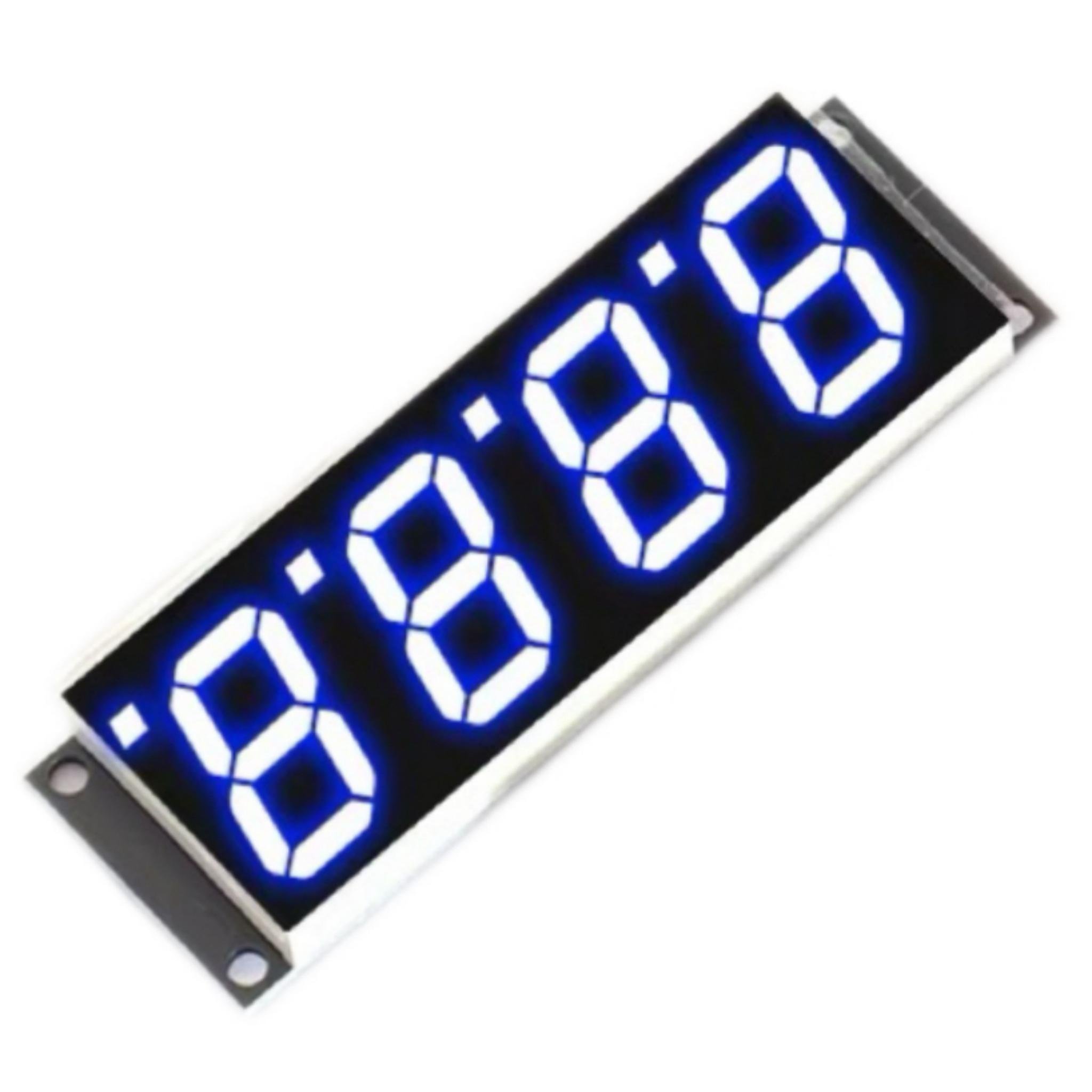
- Digital Tubes: The middle red digital tube displays the currently detected temperature; the left green digital tube shows the set start temperature; the right green digital tube shows the set stop temperature.
- Buttons: Use “START +,-” to set the start temperature; use “STOP +,-” to set the stop temperature.
Connection Diagram
Product Dimension
Mode Description
1. High-Temperature Activation – Cooling Mode: When the set start temperature > stop temperature:
- The relay closes and the cooling device operates when the detected temperature > start temperature.
- The relay opens and the cooling device stops when the detected temperature ≤ stop temperature.For example: Set the start temperature to 30°C and the stop temperature to 25°C. When the detected temperature > 30°C, the relay closes and the red start indicator light turns on; when the detected temperature ≤ 25°C, the relay opens and the green stop indicator light turns on.
2. Low-Temperature Activation – Heating Mode: When the set start temperature < stop temperature:
- The relay closes and the heating device operates when the detected temperature ≤ start temperature.
- The relay opens and the heating device stops when the detected temperature > stop temperature.For example: Set the start temperature to 25°C and the stop temperature to 30°C. When the detected temperature ≤ 25°C, the relay closes and the red start indicator light turns on; when the detected temperature > 30°C, the relay opens and the green stop indicator light turns on.
Practical Application
Set the temperature to high for startup, place the sensor on the Raspberry Pi to regulate heat dissipation, with the system starting at 60°C and stopping at 50°C. A fan is connected to the relay, as shown in the video:
Shipping Cost
We only ship to the United States. Shipping costs are calculated based on the total order amount.
Shipping Method And Delivery Time
All orders will be processed and shipped within 72 hours of placing the order (excluding weekends and holidays). They will ship from Shenzhen, China, primarily via 4PX logistics. Depending on the destination and logistics conditions, other carriers such as DHL, FedEx, UPS, USPS, etc., may also handle the delivery. Estimated shipping time is 7-12 business days, with actual delivery occurring in 10-17 business days, depending on logistics conditions.
Payment:
We accept Visa, Master card, Maestro, American Express, JCB, Dinner's Club, Discover, Paypal, Apple Pay, Google Pay .

Reviews
There are no reviews yet.